
Faculty and Staff Poster Presentations
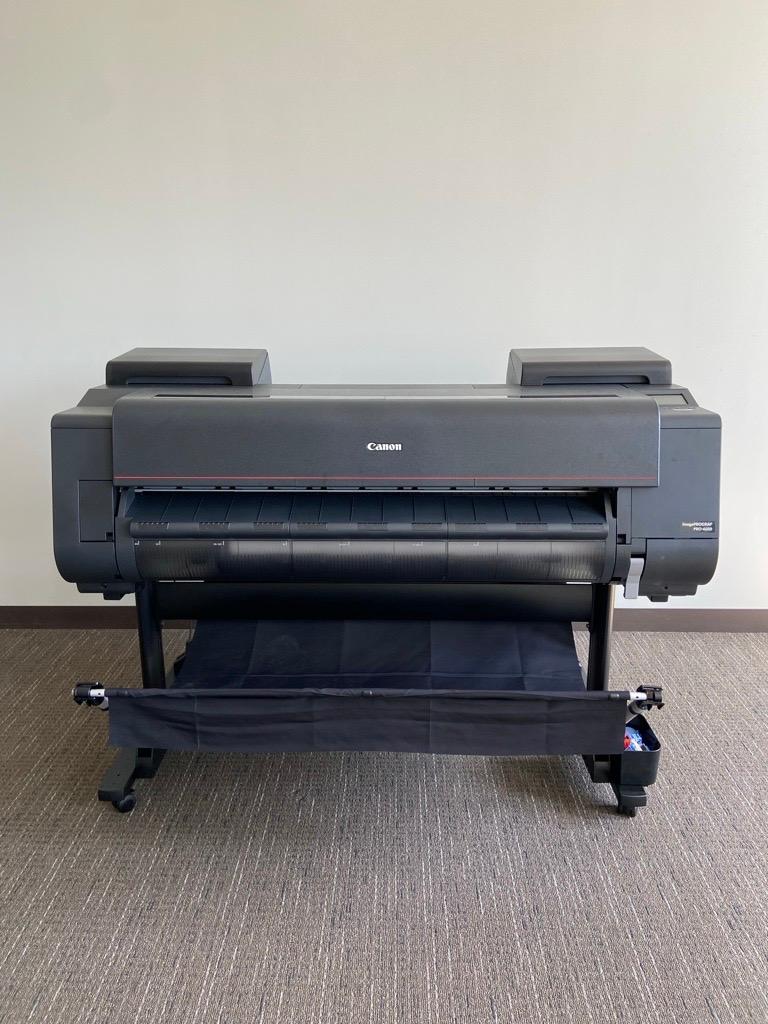
Faculty and staff can use the Canon 4600 large format printer in the Faculty Studio (AC221) to print their poster on coated bond (matte finish) or photo paper (glossy finish). Faculty and staff may also submit poster requests to ID&D Support Center, and our team will print the poster for you. You will receive an email confirmation once your poster has been printed.
Students who are preparing posters can use the resources provided below to prepare their posters, however the printing of student posters is handled by IT and the Helpdesk. For more information on student poster printing services, contact the IT Helpdesk.
Review our Poster Printer Policy.
Poster Presentation Templates for download: